Restaurant Marketing in Dallas: Fix the Path from Google Maps to Menu and Reservation
Direct answer: Before you promote the restaurant harder, walk the path a guest uses from the listing to a current menu, the right hours and location, and a reservation, order, or call that actually works. Fix the broken step before you buy more attention.
Walk the path on your phone the way a guest would. The restaurant service page is restaurants. The same three steps run through the guide: be found, show the menu, and make the next step easy.
Transcript
A guest can find your restaurant and still never reach the menu.
Walk the whole path on your phone before you promote it.
Start with the listing: check today's hours, the address, and any special hours.
Then open the menu a guest will actually see.
Are the dishes and prices current, and can you read them without pinching and zooming?
Next, try reserve, order, or call.
Make sure it reaches the right place and gives the guest a clear next step.
Use your real food and room photographs when showing what guests can expect.
Fix the broken link or stale detail before you send more people through it.
Then measure the action that matters to the restaurant, not just the view or tap.
InterGlobal's Dallas restaurant guide gives you a practical checklist for that journey.
Read the guide and let us help you review the path from discovery to the next guest.
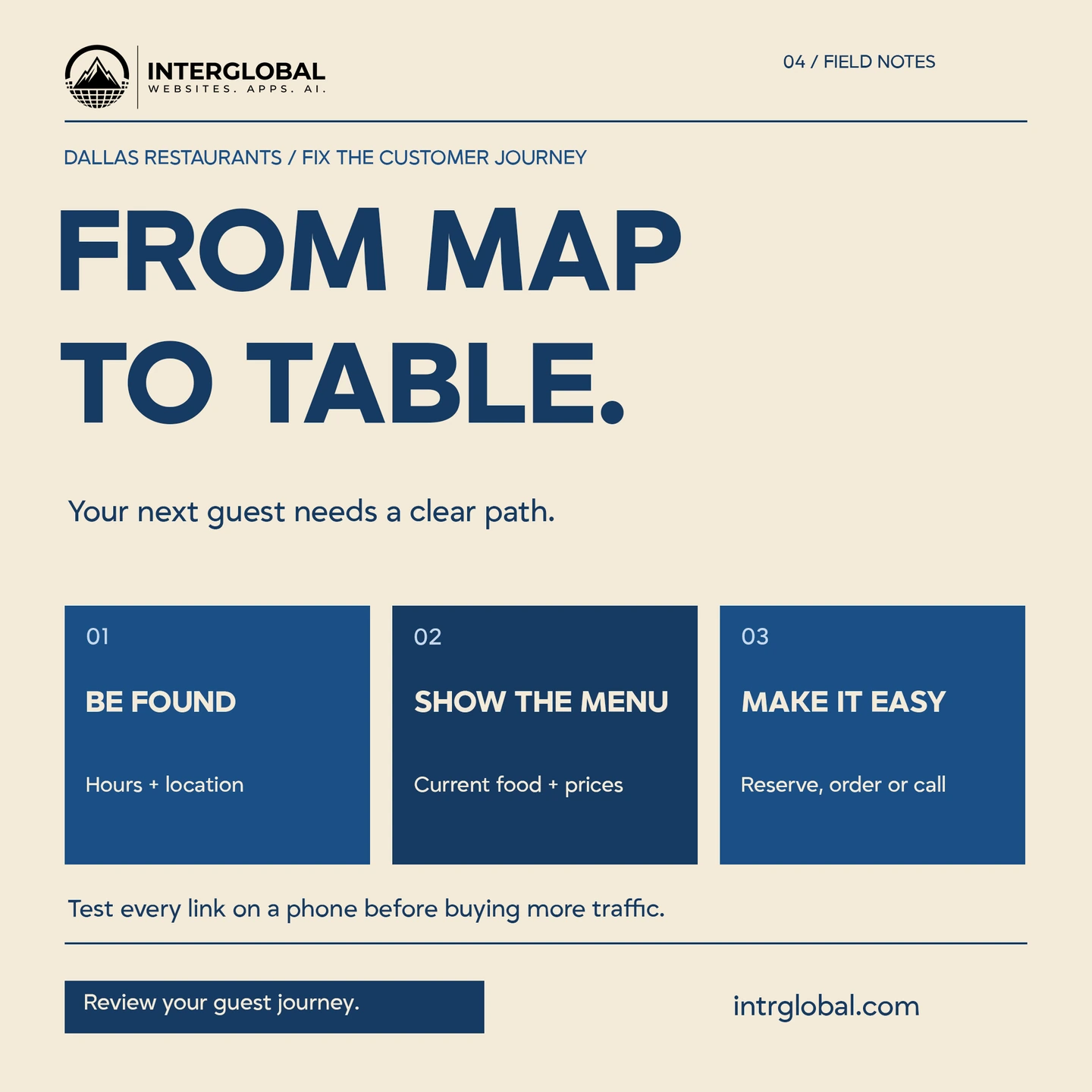
A ten-minute walk on your phone
- Search the restaurant name, then search the cuisine plus Dallas or the neighborhood you actually serve.
- Open the listing. Read the name, address, and today’s hours, including a holiday or special hour if one is coming.
- Open the menu link. Confirm the dishes and prices match what the kitchen will serve tonight.
- Tap reserve, order, or call. Finish the path far enough to see that it reaches your system, not a dead page or another restaurant.
- Note the time, the phone you used, and the step that failed.
Google’s business-link help says profiles can support links such as menus, reservations, and orders, and that the links and editing controls vary by account. Confirm what your profile offers before you follow a tutorial written for a different category. Google Business Profile: links. The menu editor help says restaurant owners can manage menu information and menu links where that feature is available. Google Business Profile: menu editor.
Hours and location
A guest who arrives to a locked door, or who drives to the old address, does not need another post. Compare the listing with the website and with the sign on the door. If you close for a private event, put that exception where the guest will see it before the trip.
If the dining room has one address, use that address. Do not add a second pin for a city you only deliver to. Service-area wording belongs on the page that explains delivery, with the neighborhoods you really cover.
A menu a guest can read
The menu should be text a person can read on a phone, with prices you are willing to charge tonight. A photograph of a printed menu is hard to use when the type is small or the specials have changed. If a third-party menu is the one guests see, open it and check that it is yours, current, and the link you intended.
Allergens, hours for brunch, and the difference between dine-in and takeout are useful details when they are true. Leave off a dish you cannot fire.
Reserve, order, or call
Pick the action you can fulfill tonight. A reservation link should open the book you actually check. An order link should open your order flow. A call button should ring a phone a person answers during service. If two links disagree, remove the stale one until it is fixed.
Test the link on the listing and the same action on your website. Guests arrive from both. An inaccessible button, a tiny tap target, or a form that only works on a desktop leaves people out. Keep a phone path for guests who will not use the app.
Photos and both languages
Use photographs of your food, your room, and your staff that you have the right to publish. A stock plate that you do not serve trains the guest to expect the wrong dish. If you greet guests in English and Spanish, the hours, the menu highlights, and the reservation step should be understandable in both, on the surfaces you actually maintain.
An illustrative Friday search
This Friday search is hypothetical. It is 5:30 p.m. Someone in Dallas searches for dinner nearby, opens a listing, checks that the kitchen is open, looks for a dish and a price, and taps reserve. The reservation page belongs to a different restaurant, so the guest stops. Replace the link and test it again from the listing before you buy another week of promotion.
Actions and bookings are different
A tap on “reserve” is an action. A name on the book for a specific time is a booking. A delivered order is another record. Count them separately. A rise in listing views does not tell you that the Friday book filled.
Owner checklist
Run it on a schedule you can keep. Write the person who looked and the date.
| Check | Responsible | Last checked | What failed |
|---|---|---|---|
| Hours and special hours | |||
| Address or service area | |||
| Menu and prices | |||
| Reserve, order, or call | |||
| Photos match the plate |
Review the path before the promotion
Tell us which step fails: the listing, the menu, or the reserve, order, or call path. We can review that journey with you, including the website and photography described on the restaurant page. Start at contact or visit www.intrglobal.com.
To keep
- Test hours, location, menu, and the reserve or call path on a phone before you promote.
- Menu links and action links depend on what the profile allows. Check the account.
- A tap is not a booking. Count them separately.
- Use photos of food and rooms your guests can actually expect.
Questions operators ask
Should I run ads before I test the listing?
Test the path from the listing to the menu and the reservation or call first. Promotion sends more people into a broken path if that step fails.
What should the reserve, order, or call step do?
It should reach the book, the order flow, or a phone someone answers, and the guest should see a clear next step. Check that path on the listing and on your site.
What if my profile does not show a menu editor?
Google says menu tools and business links vary. Use the menu link your account supports, and keep a readable menu on your own site.