What are the five golden rules of a website?
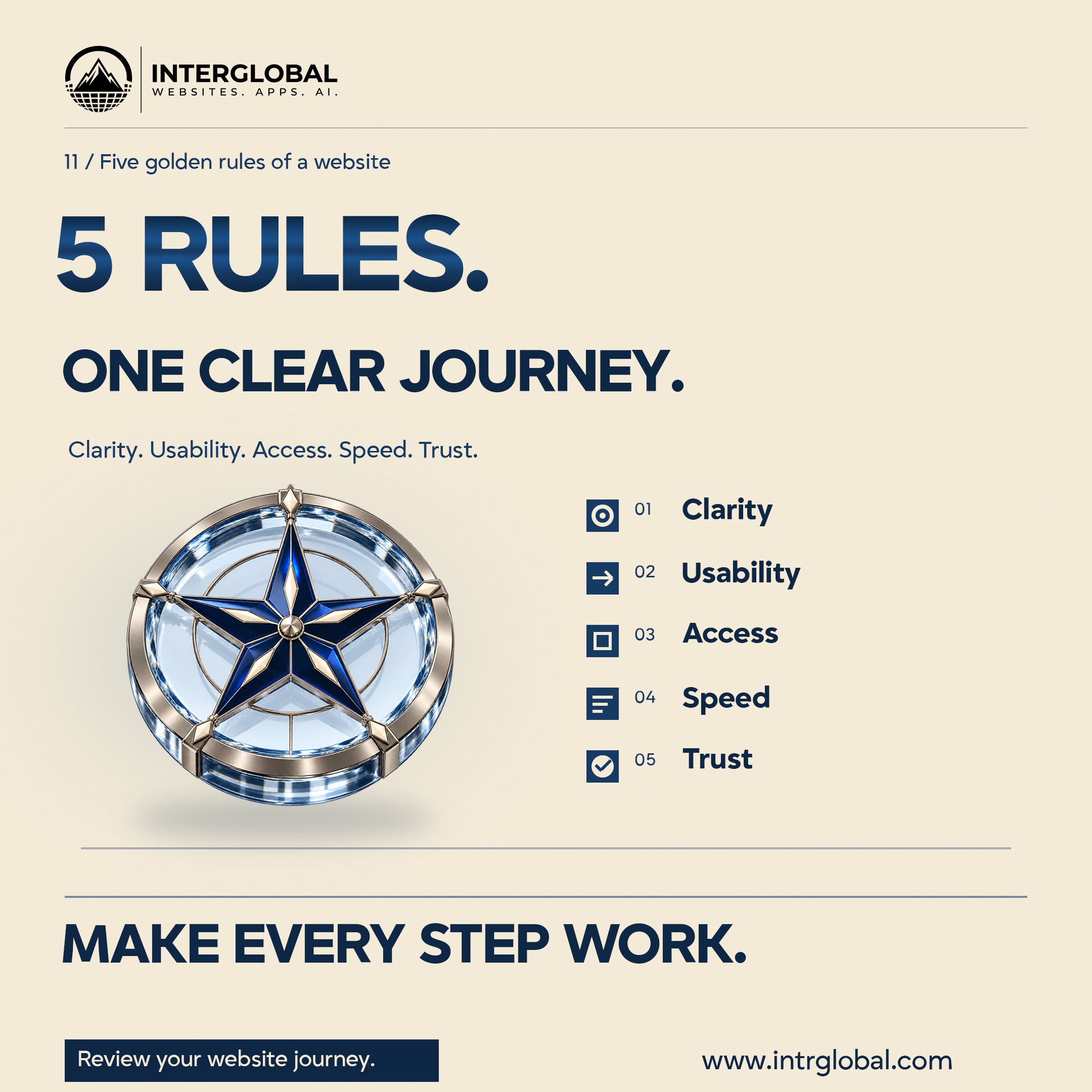
Quick answer: Clarity, usability, accessibility, speed, and trust are five practical principles for reviewing one real customer journey. They are InterGlobal's editorial framework, not a universal five-rule standard or a complete audit.
A Dallas business can use them to ask better questions about a website. Start with one task a customer actually needs to finish. Then look at that route through each principle and record what you find. A broad instruction to make the site better is harder to act on.
What's in this article?
The poster, in motion
The square below plays once when it comes into view and pauses when it leaves the screen. Replay runs it again. If you prefer less motion, the finished poster stays in place and both links still work. The compass is one still picture. The five principles are an editorial way to review a journey, not a score.
































Choose one customer task
Name the route before you judge the site. A visitor might open a service page, understand the offer, and request a conversation. Another business might need a booking, a location, or a specific question answered. Write the task in one sentence, including the page where it starts and the result that shows it is finished.
Review that route, not every page at once. You can repeat the same five principles on another task later. The first pass should be specific enough that a designer or developer can reproduce what you saw.
Check clarity
Read the entry page as a person who has never met the business. Can you explain what is offered, who it is for, and what happens next? If the answer depends on already knowing the company, the page is missing information.
Use headings that describe the content under them. Put the essential service details where the visitor needs them. Give a link or button a label that explains the action. Keep the language tied to the actual business, and replace a broad claim with a detail you can support.
Review action: ask someone to describe the offer and the next step after reading the page. Record what they misunderstood, and revise the wording that caused it. This is a content exercise. It does not guarantee more inquiries.
Check usability
Complete the task yourself. Follow the navigation, open the relevant page, and use the control that should finish the journey. If the task is an inquiry, submit clearly marked test information you control and confirm the intended result.
Try the route on a phone with the real content. Look for confusing navigation, controls that are hard to reach, and forms whose instructions do not explain the required information. Read the messages that appear when something is missing.
Keep related actions consistent. If two buttons lead to the same place, make that purpose clear. If they lead to different places, the labels should show the difference.
Review action: write the steps, where you hesitated, and whether the task reached its result. Make the note specific enough to reproduce.
Check accessibility
The W3C introduction to web accessibility describes accessible websites as ones people with disabilities can perceive, understand, navigate, and interact with. Keyboard use and text alternatives for images are examples in that introduction. It also says evaluation should happen early and throughout a project, and that knowledgeable human evaluation is needed. No single tool proves that a site is accessible. W3C: Introduction to Web Accessibility, updated 3 February 2026.
For the chosen journey, try the route with a keyboard and check whether focus is visible. Discuss meaningful descriptions for images, readable content, and the information in form labels and messages. If the page includes audio or video, plan a way to reach that information without relying only on sound.
Review action: record the route and the barriers you found, then arrange the right review and the fixes. A quick pass or an automated result is not a compliance guarantee, and this article is not a complete accessibility audit.
Check speed
People need to see the page and use it. Google's web.dev course, Learn Performance, is a practical source for how pages load resources, deliver images and video, use web fonts, and stay responsive while rendering. web.dev: Learn Performance.
Ask the person responsible for the build to measure the important pages on this journey and explain what is slow. Keep imagery that helps the task, and be deliberate about the resources it requires. A large decorative file should earn its place.
Look beyond a cached desktop preview. Discuss the phones and connections your customers actually use. Write down the page and the conditions so a later check has something to compare.
Review action: name one slow or unresponsive step, record the conditions, and check that step again after a change. This is performance guidance. It is not a ranking promise or a revenue promise.
Check trust
Compare the business details with approved information. Names, contact routes, service areas, hours, and descriptions should match the real offer. Remove placeholders, and explain a limit where a visitor needs it.
Use proof you have permission to share. Do not invent reviews, client logos, certifications, or results to fill a layout. When you ask someone to take an action, say what the action does and what information it needs.
Keep the page current as the business changes. A contact route that no longer works, or a service description that is out of date, can undermine an otherwise careful design. Name the person who reviews those facts.
Review action: choose the claims and contact details on the main journey, verify them, and record who keeps them current.
Record the review
Use the empty sheet for one pass. Write the principle, the task or page you checked, the issue you observed, the next action, and the owner. Leave a cell blank until you have looked. Do not guess a score for the whole website.
| Principle | |
|---|---|
| Task or page checked | |
| Observed issue | |
| Next action | |
| Owner |
Start with an issue that blocks the task, then the information around it. Agree how you will check the route again after the fix. Five tidy marks do not mean the site has been fully tested. Repeat the sheet for another principle or another journey when you are ready.
Review your website journey
Bring the route customers need to complete and the issues you have already seen. InterGlobal can discuss the design, content, and implementation work involved in improving that experience. This conversation does not certify accessibility, predict search ranking, or promise a business result.
Make every step work. Bring one customer task and what you noticed when you tried it.
Review your website journeyThe studio site is www.intrglobal.com.
Key takeaways
- Clarity, usability, accessibility, speed, and trust are an editorial framework for one journey.
- Name a real customer task before you review the pages around it.
- Use W3C guidance for accessibility and human review, and web.dev for performance learning.
- Record the issue, the next action, and the owner. Do not treat the sheet as a compliance certificate.
Questions people ask
What are the five golden rules of a website?
In this article they are clarity, usability, accessibility, speed, and trust. InterGlobal uses them to review one customer journey. They are not a universal standard, a law, or a complete audit.
Where should I start?
Pick one task a customer needs to finish, such as understanding a service and requesting a conversation. Review that route before you try to judge the whole site.
Does this review prove the site is accessible or fast?
No. W3C says knowledgeable human evaluation is required and that no tool alone proves accessibility. web.dev is a learning source for performance. Neither citation is a compliance or ranking guarantee.
What does Review your website journey do?
It opens the booking section at https://intrglobal.com/#book so a business can talk about the route. www.intrglobal.com opens the studio site.