Can ChatGPT actually create a website?
Quick answer: Yes. ChatGPT can help create a website. Define the customer task, review the draft, and test the real route before you rely on it.
OpenAI's current Sites documentation describes creating, hosting, refining, and sharing websites through ChatGPT. The documented workflow asks you to describe the audience, purpose, behavior, and information, then review the content and behavior, refine the result, and manage who can visit. Sites is in beta, and plan and usage limits apply. Check what your own account can actually do. Official OpenAI Sites documentation, checked October 12, 2026.
That documentation is a product description. It is not a partnership, an account entitlement, or a promise that the first draft is ready for customers. The review steps below are InterGlobal's editorial guidance for turning a draft into a working customer journey.
What's in this article?
The poster, in motion
The square below plays once when it comes into view and pauses when it leaves the screen. Replay runs it again. If you prefer less motion, the finished poster stays in place and both links still work. The scaffold and blank browser are one still picture. The blank screen is a metaphor for a draft, not a ChatGPT product screen.
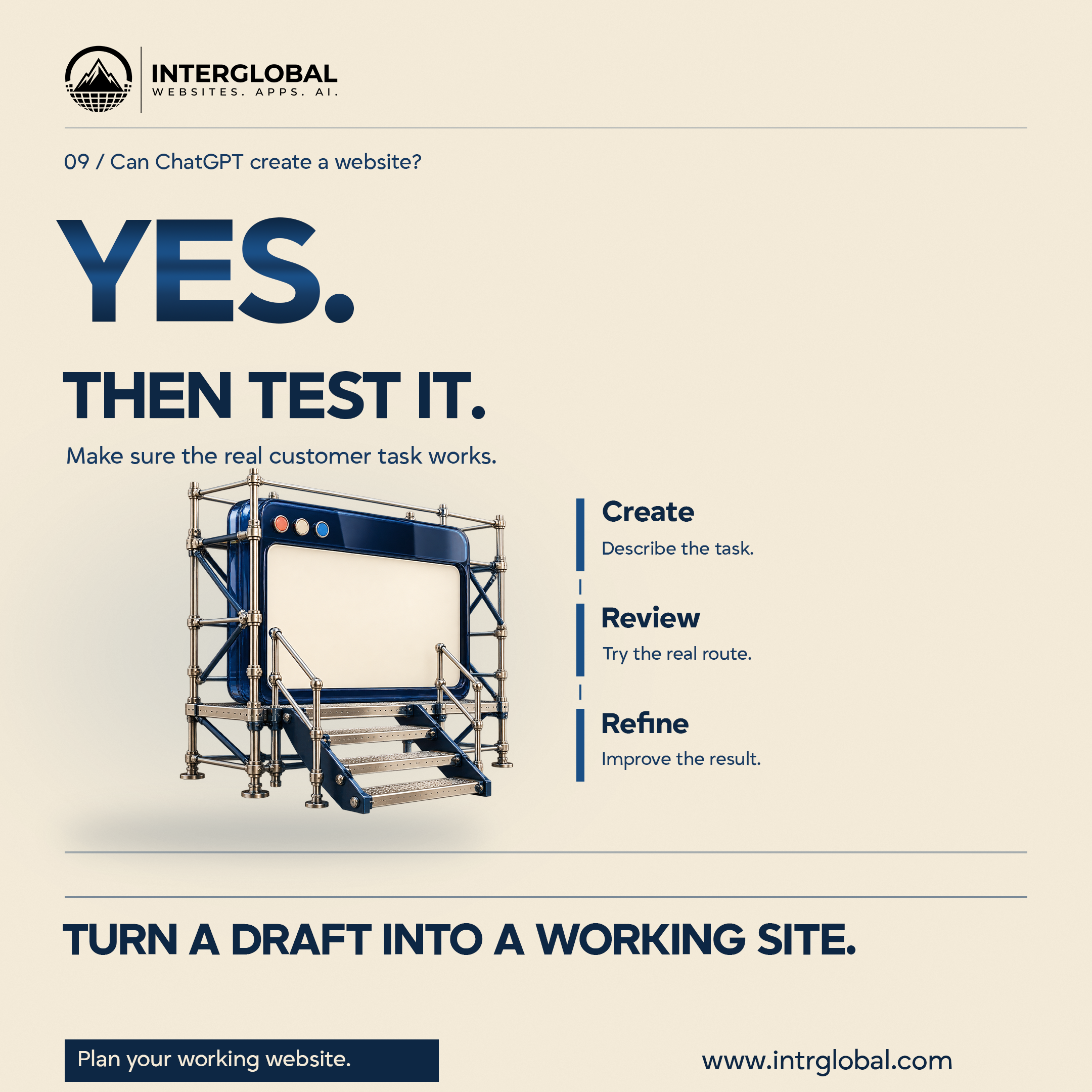




























Describe the customer task
For a Dallas business, start with who visits and what they need to finish. A local service company might need a visitor to understand the service area, compare the work, and request a call. That is a clearer request than asking for a premium website without naming the job the page has to do.
List the pages and the information that journey needs. Supply verified business details and approved images. Mark missing facts as questions. Do not publish generated reviews, client names, qualifications, or results as if they were real evidence.
Describe functions separately from appearance. A button that looks like an appointment control does not connect itself to your booking service. A contact form needs an agreed destination and tested behavior. An account area needs the access and data rules you actually intend to use.
A useful starting brief can sound like this, with every detail replaced by your own information: "Create a website for our local service business. The main visitor needs to understand the service and request a call. Use the approved details and images I provide. Include a home page, service information, and a contact route. Mark missing facts as questions. Prepare a version for review before publishing. Explain which functions need an account or another service. We will check the content and test the phone and keyboard journey." That brief is a starting point. It is not a promise about what an account includes.
Review the first version
Read the draft as a potential customer. Can you understand the offer and the next step? Are the service area and contact details accurate? Does the version use the information you supplied, or did it fill gaps with text you have not approved?
Give specific feedback. Say what should be visible first, which explanation is missing, or what the visitor is trying to send. Ask for a revision, then try the revised version. Keep the scope visible. Another function can add responsibilities for accounts, data, testing, and support.
OpenAI's Sites documentation says you can review and refine the content and behavior, and that you can ask to save without deploying when you want to review before a production deployment. Use the controls in the product you are actually using. Official OpenAI Sites documentation, checked October 12, 2026.
Try the real links, forms, and journey
Follow the main journey from the entry page to the intended result. On a service site, that might mean reading the offer and submitting a clearly marked test inquiry with information you control. Check what the visitor sees, and whether the message arrives at the destination you chose.
Try the phone layout with the real content. Use the navigation, the links, the forms, and the main call to action. Move through the same route with a keyboard and look at where focus lands. Check the validation messages, and what happens when required information is missing. Test any third-party connection that journey depends on.
A screenshot can help you review appearance. It cannot show that a form sends the message, or that a booking route works. Record the task, the test, the observed result, and the next action in the sheet below.
Check the business facts and assets
Compare names, service areas, addresses, contact details, hours, and descriptions with approved business information. Replace placeholders before customers see them. Generated copy should describe the offer you actually make.
Confirm the rights you need for images, fonts, and other assets you choose. Keep the relevant source files and usage records. A generated layout does not settle the rights to every asset in the project.
Review page titles and descriptions for clarity. Follow the links and confirm that each destination matches its label. These are useful quality checks. They do not promise search rankings or inquiries.
Make publication and access deliberate
OpenAI's Sites documentation states that deployment URLs are production deployments, and it recommends asking to save without deploying when you want to review first. Decide who should be able to visit, and what should be visible, before you publish. Use the actual sharing controls in the chosen product. Plan and usage limits still apply, and availability depends on the account. Official OpenAI Sites documentation, checked October 12, 2026.
Identify who manages the site, the domain, and any connected accounts. Discuss how a later change will be reviewed, and who handles a problem. Do not assume that one product's workflow transfers automatically to another host or subscription.
Assign the unfinished responsibilities
Make responsibility for business information and acceptance checks clear. Ask who reviews the writing, the design, the functionality, and the publication arrangement. Assign the tasks that are still open rather than leaving them between people and tools.
A useful review is concrete. Choose the customer task, try it, and record the result. If the version looks convincing but the task fails, improve that route before you treat the work as complete. Creating a draft is not the same as handing over a site your customers can rely on.
Record the review
Use the empty sheet for one customer task at a time. Write the test you performed, what you observed, and the next action. Leave a field blank when you have not done that check. Do not turn an example into a client, a review, or a result.
| Customer task | |
|---|---|
| Test performed | |
| Observed result | |
| Next action |
Plan your working website
Bring the customer task, the pages, and the functions you need to discuss. InterGlobal can help shape the assignment and review the steps involved in creating a working website. This conversation does not guarantee a ranking, a hosting entitlement, or a finished commercial result.
Turn the draft into a route you have tried. Bring the customer task and the checks you still need to make.
Plan your working websiteThe studio site is www.intrglobal.com.
Key takeaways
- ChatGPT's Sites workflow can create, host, refine, and share a website, within beta, plan, and usage limits.
- Name the customer task and supply verified facts. Mark anything missing as a question.
- Review the content, then try the real links, forms, phone layout, and keyboard journey.
- Decide who can visit before you publish, and assign the work that is still unfinished.
Questions people ask
Can ChatGPT actually create a website?
OpenAI's Sites documentation describes creating, hosting, refining, and sharing websites through ChatGPT. Sites is in beta, and plan and usage limits apply. Check the account you are using. That is a product description, not a guarantee that the draft is ready for your customers.
What should I test before relying on the draft?
Test the customer task. Follow the real links and forms, try the phone layout and the keyboard journey, and confirm the message or booking arrives where you expect.
Does a generated website arrive ready for customers?
No. Review the facts, the assets, the route, and who can visit. Assign the unfinished responsibilities before you treat the work as complete.
What does Plan your working website do?
It opens the booking section at https://intrglobal.com/#book so a business can talk about the customer task and the review still needed. www.intrglobal.com opens the studio site.